
Pulsair Documentation
Back to Integrations
Integration guide
Twitter/X
Connect your Twitter/X account to import tweets, mentions, and engagement metrics.
Connection Steps
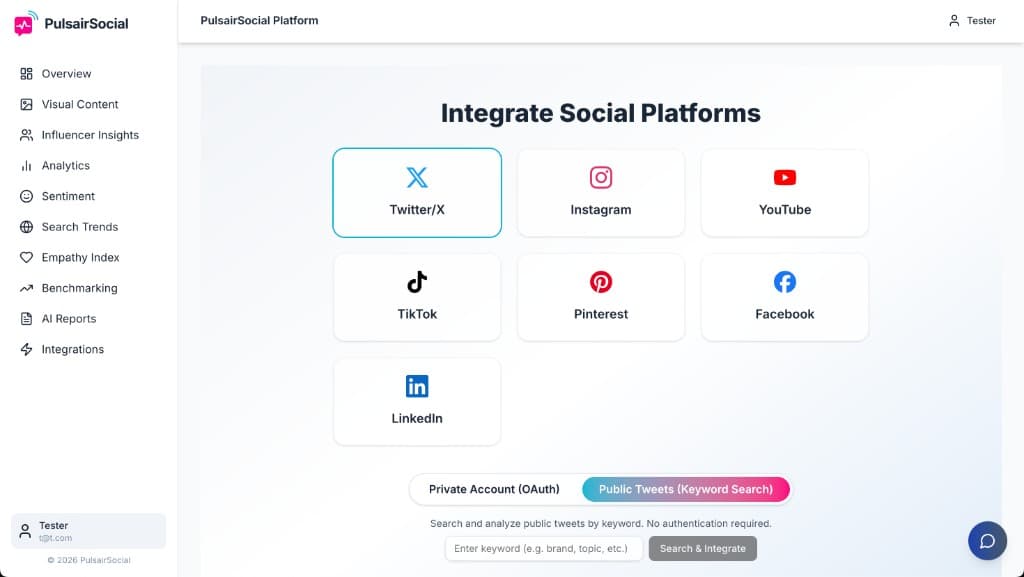
- Click on the Twitter/X icon on the Integrations page.
- Enter your Twitter API access token in the provided field.
- Save to connect your Twitter account.
Permissions
Read tweets, mentions, and analytics. We never post on your behalf.
Imported Data
Tweets, mentions, engagement metrics. Updates every 24h.
Troubleshooting
- Access token error? Double-check your token and permissions.
- Not seeing data? Try disconnecting and reconnecting your account.