
Pulsair Documentation
Back to Integrations
Integration guide
YouTube
Connect YouTube to pull channel analytics, views, and watch time.
Connection Steps
- Click Connect next to YouTube on your dashboard.
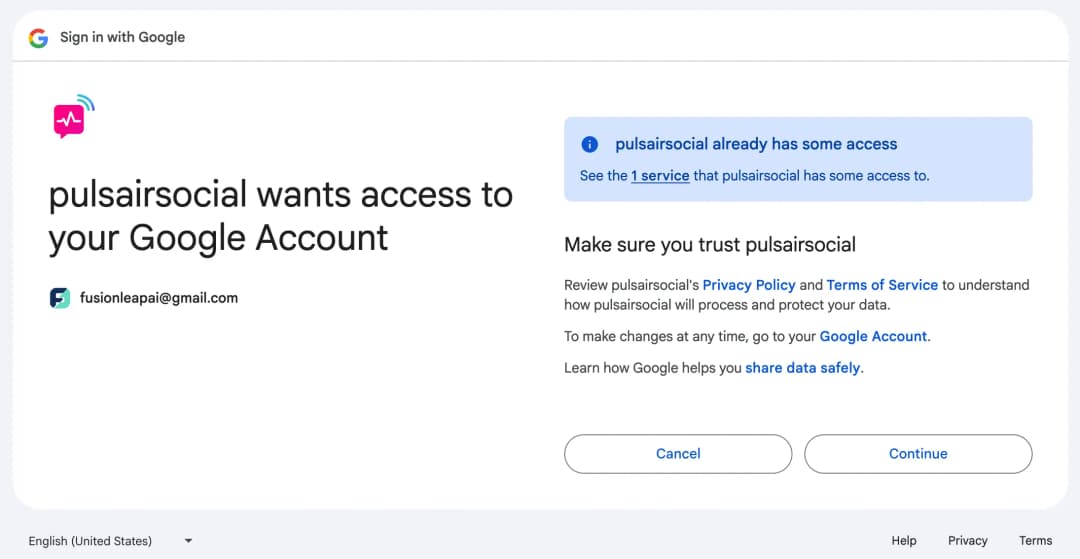
- Authorize Pulsair to access your YouTube analytics.
Permissions
Read-only access to channel analytics. We never post or modify your content.
Imported Data
Views, subscribers, watch time, and more. Updates every 24h.
Troubleshooting
- OAuth error? Make sure you selected the correct YouTube account.
- Analytics missing? Your channel must be public and have analytics enabled.